How to Design an AI Agent That Feels Like a Team Member
Most people interact with Artificial Intelligence as a utility: a conversational search engine, a grammar fixer, or a quick code generator. You ask a question, receive an output, and return to your work.
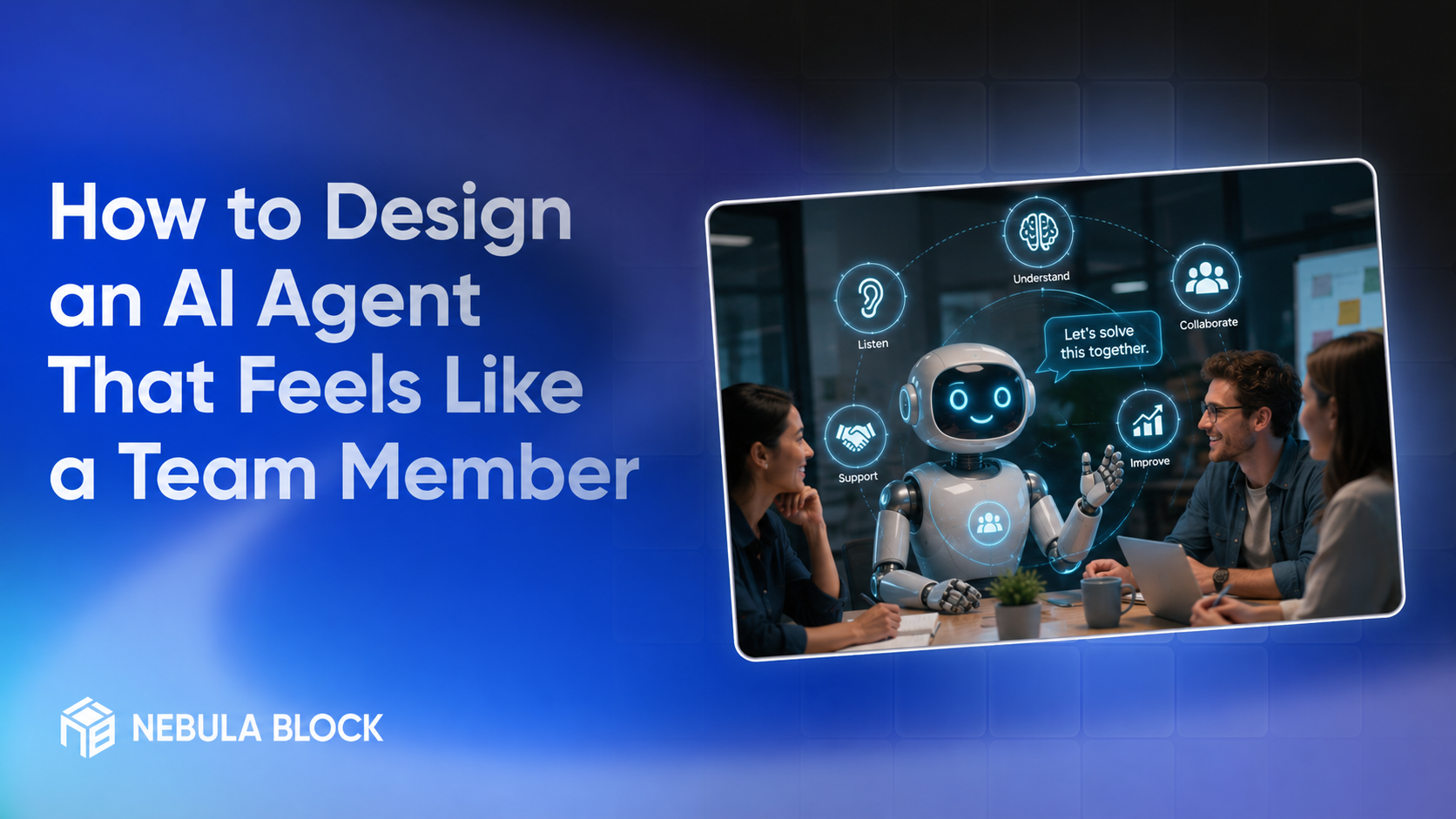
However, as AI shifts from passive tools to autonomous agents operating inside enterprise workflows, this transactional model breaks down. For AI agents to deliver true enterprise leverage, they cannot just act like software programs. They must feel like teammates.
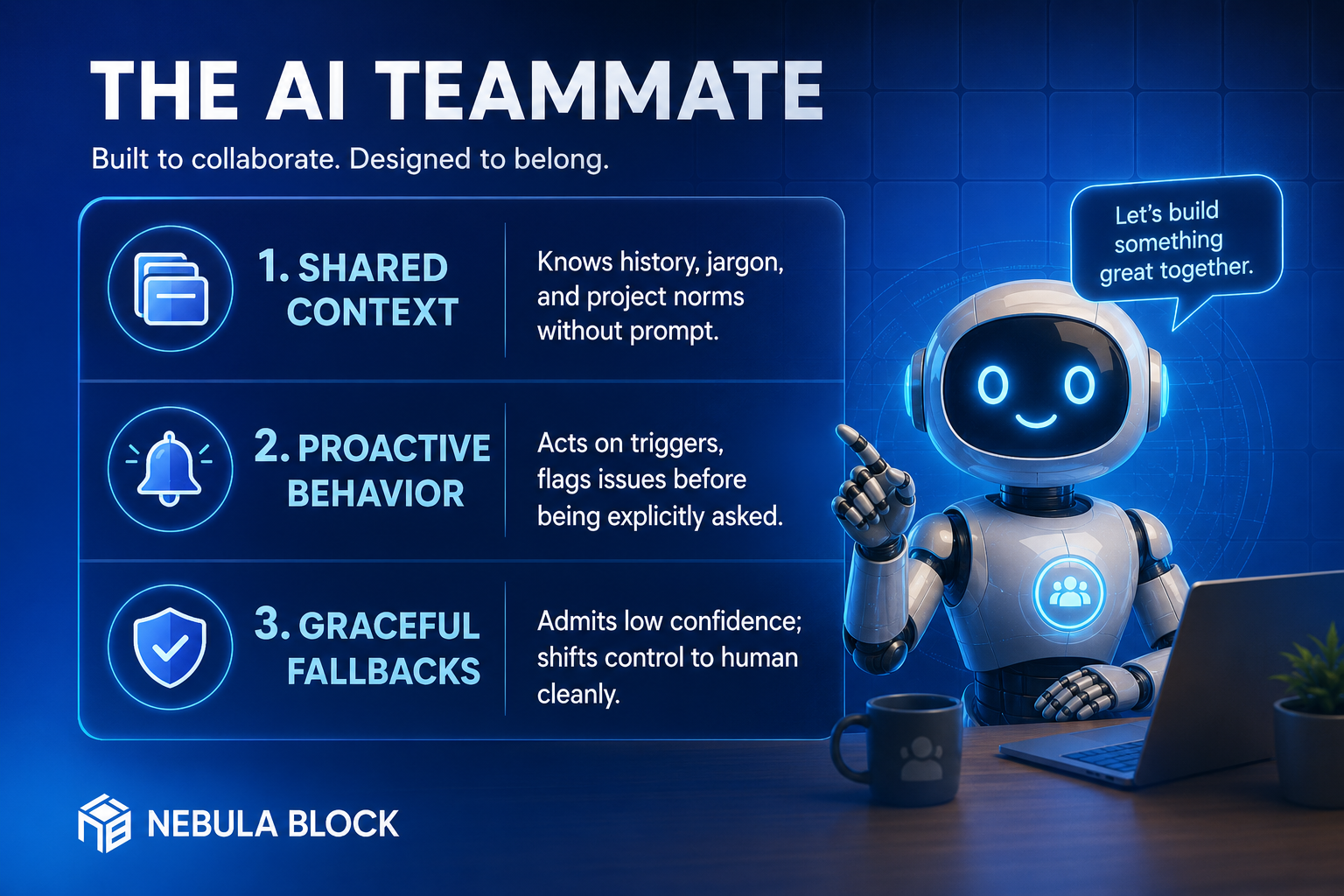
Designing an agent that seamlessly integrates into a human workspace requires intentional engineering across three main pillars: Shared Context, Proactive Behavior, and Graceful Fallbacks.
1. Give the Agent Shared Context (The "Tribal Knowledge" Layer)
A human colleague becomes effective not just because of their technical skills, but because they possess tribal knowledge. They understand past architectural failures, team-specific acronyms, preferred communication channels, and ongoing company objectives.
If an AI agent requires 500 words of background context attached to every single request, it feels like a temp worker on their first day—not a peer.
How to Implement Shared Context:
- Persistent Vector Memory Architecture: Equip your agent with long-term memory indexed by semantic databases. The agent should automatically fetch relevant past discussions, Slack threads, and architectural decision records (ADRs) tied to the task at hand.
- Internal Jargon Integration: Inject domain-specific taxonomies directly into the agent's system prompt or fine-tuning layer. It should natively understand internal acronyms (e.g., knowing that "Project Pegasus" refers to the Q3 database migration).
- Communication Style Alignment: Configure the agent to adopt the team's norms. If your engineering culture values brief, bulleted summaries over dense multi-paragraph essays, the agent should default to that format.
2. Shift from Reactive Execution to Proactive Engagement
A tool waits to be instructed; a teammate notices what needs to be done and takes initiative. The most impactful transition in AI agent design is moving from Pull-based interaction (human asks > agent answers) to Push-based interaction (system event occurs > agent acts and notifies).
How to Implement Proactive Behavior:
- Event-Driven Triggers: Connect your agent to real-time communication feeds and webhook events. Instead of waiting for a developer to ask "Did the build fail?", the agent listens to GitHub webhooks, identifies a broken CI pipeline, investigates the log, and messages the team:
"Hey team, the 2:00 PM build failed due to a missing environment variable in the auth module. I’ve opened a PR with the candidate fix here."
- Logical Next-Step Suggestions: When completing a task, an agent should anticipate the immediate follow-up task. If asked to summarize a client meeting, it should conclude with:
"I’ve extracted the 4 follow-up action items. Would you like me to draft Jira tickets for engineering and update our CRM entry?"
3. Design Graceful Fallbacks & Transparent Low-Confidence Signals
Nothing breaks human trust in AI faster than silent failure or hallucinated confidence. A great human teammate isn't someone who knows every answer - it is someone who knows their limits and says:
"I'm not 100% sure about this, let me double-check with senior staff."
Your AI agent must possess the same self-awareness.
How to Implement Graceful Fallbacks:
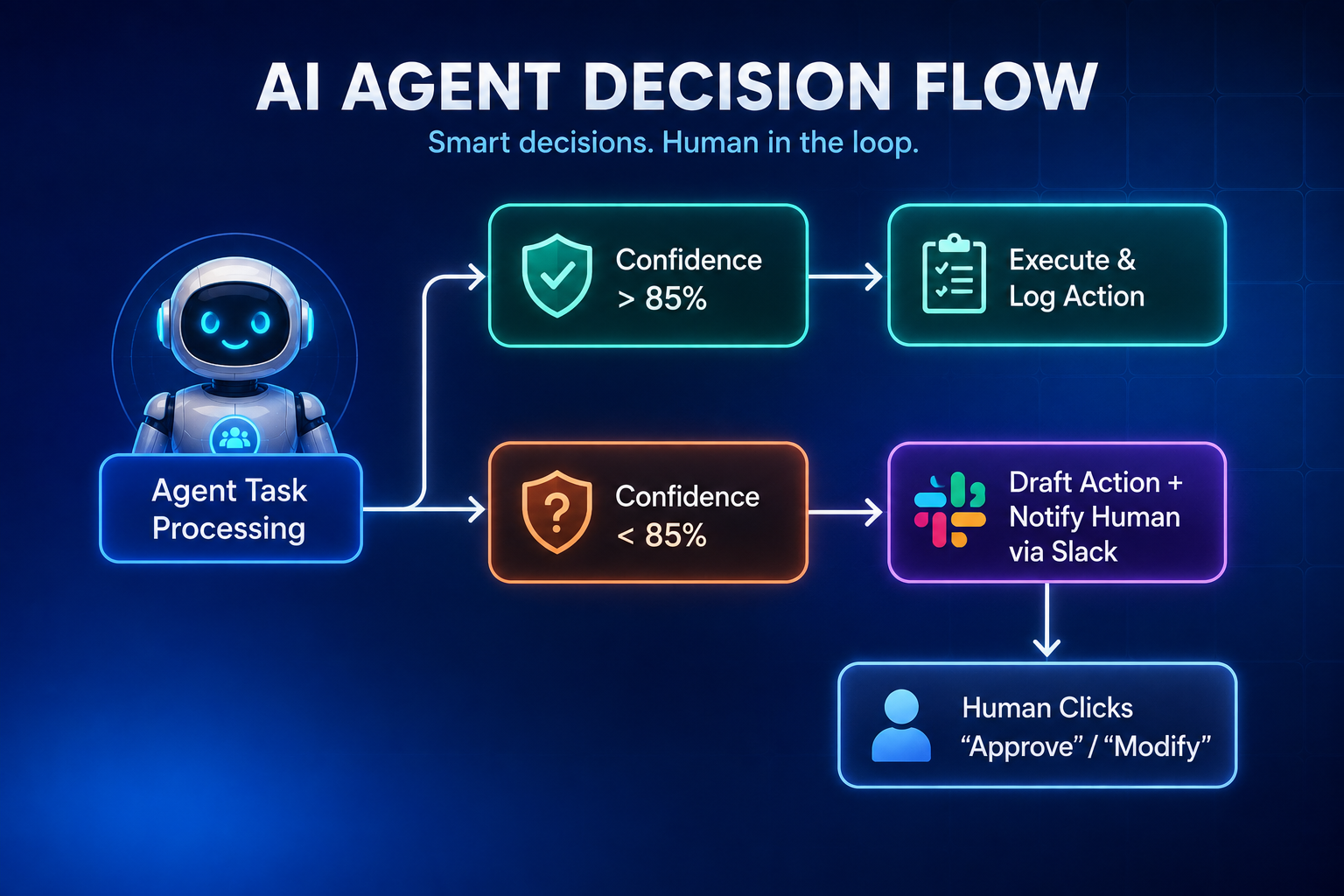
- Explicit Confidence Thresholds: Program your agent to score its own certainty before executing an action or generating an answer. If confidence drops below a defined metric (e.g., <85%), the agent should change its presentation tone from an assertive statement to provisional proposal.
- Frictionless Human-in-the-Loop (HITL) Handoffs: When an agent encounters an edge case it cannot solve, it should not throw a generic error code. It should package its work-in-progress, summarize the bottleneck, and route the approval request directly to a human inside daily tools (e.g., Slack modal buttons or interactive GitHub comments).
Summary: Designing for Trust
Designing an AI agent that feels like a teammate is ultimately an exercise in building trust. By anchoring your agent with deep internal context, empowering it to act on triggers autonomously, and giving it the humility to escalate low-confidence tasks to humans gracefully, you transform AI from a basic software interface into a core, reliable partner in enterprise execution.
Learn more at
- Email: contact@nebulablock.com
- Website: nebulablock.com
- Docs: docs.nebulablock.com
- Book a call: nebulablock.com/contact