Air-Gapped AI Operations: Updating Models and Runtimes Without Internet Access
Getting an LLM running inside an air-gapped network is the easy part. The hard part comes later: a new model version is released, a security patch lands for your serving engine, a GPU driver needs updating, and none of it can be downloaded from where the system lives.
This guide is about that second problem. It covers how to move models and software across the boundary safely, how to verify what you bring in, how to test and roll out changes, and how to keep the air gap an air gap. It's about operations. For the architecture itself, see Pattern 1 in our guide to self-hosting LLMs in regulated industries.
A note on why teams do this. Organizations choose air-gapped deployments because of their own security policies, risk assessments or customer contracts. This guide doesn't claim that any law requires it. The question here is only how to run one well. It's vendor-neutral: Nebula Block's public documentation describes cloud GPU instances, serverless inference and object storage, so the steps below apply to any air-gapped setup you build yourself. Details are as of November 2026.
Everything that needs updating
An air-gapped AI stack has more moving parts than the model:
- Model weights, tokenizers and configuration files
- The inference engine (for example vLLM) and its Python dependencies
- Container images or system packages
- GPU drivers and the CUDA stack
- Security patches for the operating system and libraries
- Certificates and licenses that expire over time
Each of these arrives from the internet in a connected world. In an air-gapped one, each has to be fetched, checked and carried in on purpose.
The three-zone pattern
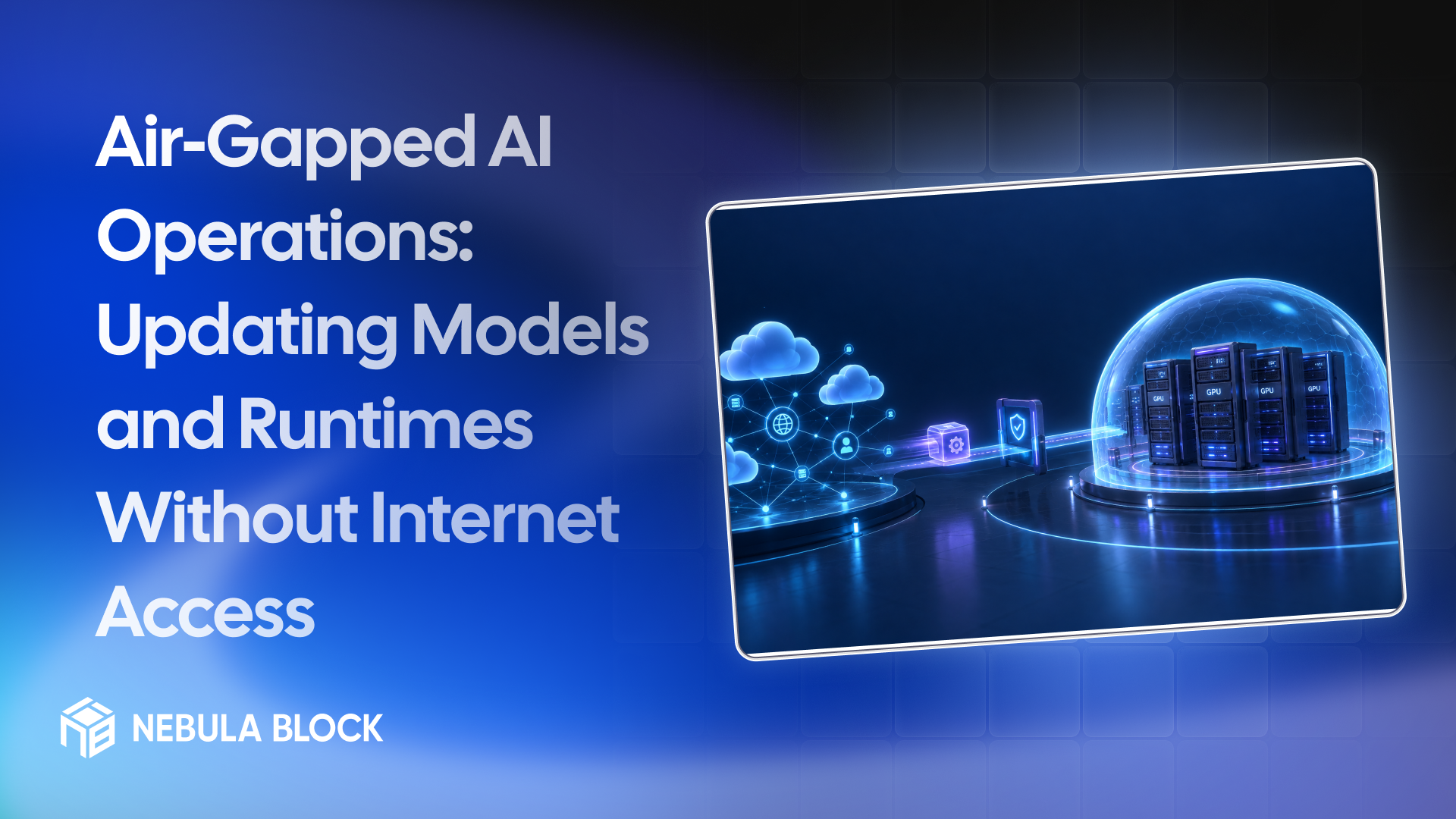
The most common design separates three zones:
- A connected staging zone, where you can reach the internet to fetch updates.
- A transfer boundary, where artifacts cross by an approved, logged method such as controlled removable media or a one-way transfer mechanism.
- The air-gapped production zone, with no route to the internet.
Inside the production zone, run internal mirrors of what you'd normally pull from the internet: a package repository, a container registry and a model store. Production systems only ever install from those mirrors, never from the public internet.
The connected staging zone doesn't need to be your own hardware. It can be a short-lived GPU instance, for example on Nebula Block, where you download artifacts, build them and test them against real hardware before exporting the results. Delete it when you're done, because an instance bills for as long as it exists, and hold any files you need to keep in durable storage, since an instance's disk may be ephemeral.
An update workflow you can repeat
A repeatable process matters more than any single tool. A reasonable sequence:
- Request and approve the change. Record what's being updated and why.
- Fetch in staging. Download the model, packages or images in the connected zone.
- Verify what you fetched. Check checksums and publisher signatures against the source, and scan dependencies for known vulnerabilities. Prefer model file formats that can't execute code when loaded.
- Build and pin. Create the final artifacts with exact versions, using lock files so a rebuild produces the same result. Keep a bill of materials of what's inside.
- Package with a manifest. Record the name, version and hash of every file, so the other side can check them.
- Transfer by the approved method.
- Re-verify inside. Check the hashes again on arrival, because transfer is where files get corrupted or swapped.
- Import to the internal mirrors. Don't deploy straight from the transfer media.
- Test in a non-production environment. Run your evaluation set and compare the results with the current version.
- Roll out in stages, with the old version still available.
- Record the change. Who approved it, what hashes were deployed and when.
Treat model weights like any other software supply chain input. A model file is code and data from a third party, so it deserves the same verification as a package.
Test before you promote
An update that works isn't necessarily an update that behaves the same. Before promoting a change:
- Run a task-specific evaluation set, and compare quality and latency with the current version.
- After an engine or driver update, check for differences in output and in memory use, because numerics and memory behaviour can shift between versions.
- Run a load test at your expected concurrency, so a slower kernel or a larger memory footprint doesn't surprise you in production.
- Have a rollback ready, and test it. The previous artifacts should stay in the mirror, with the previous configuration, until the new version has proven itself.
Keeping the gap real
Air gaps fail through small exceptions, not big breaches. Things to watch:
- Tools that quietly reach out. Libraries can try to download models, check for updates or send usage statistics. Switch off automatic downloads and telemetry in the tools you use, and set offline modes where they exist (for example, Hugging Face libraries have an offline setting). Check the documentation for the versions you run.
- Runtime installs. A startup script that runs pip install will fail or, worse, find a way around the boundary. Install only from internal mirrors, ahead of time.
- "Temporary" exceptions. A debug rule that opens outbound access tends to stay open. Review boundary rules on a schedule.
- Test the gap itself. Block outbound traffic at the network level, then confirm that every service starts and works. Monitor for attempted outbound connections, since they show what's still trying to reach out.
Operational chores people forget
- Patch cadence. Decide how often you bring in security updates, and who tracks vulnerabilities, since the air-gapped side can't look them up.
- Certificate and license expiry. These expire on schedule whether or not anyone is watching. Track them, and plan how renewals will cross the boundary.
- Time synchronization. Use an internal time source, because clocks drift without one, and drift breaks certificates and logs.
- Logs and backups. Keep them inside the boundary, protected like the data they describe. Plan disaster recovery, because you can't fail over to a cloud region you don't use.
- Documentation. Write the update runbook down. In a small team, the person who knows the process is a single point of failure.
A short checklist
- Staging, transfer and production zones defined
- Internal mirrors for packages, containers and models
- Verification step for every artifact: checksums, signatures, scans
- Manifest with hashes for every transfer
- Re-verification on arrival
- Non-production test with an evaluation set before every promotion
- Staged rollout and a tested rollback
- Offline modes set and outbound traffic blocked and monitored
- Patch, certificate and license calendars
- A written, tested runbook
The bottom line
An air-gapped deployment is only as good as its update process. Separate where you fetch from where you run, verify everything that crosses the boundary, test before you promote, keep a way back, and watch for the small exceptions that wear the gap away. Do those, and updates become a routine procedure instead of an event.
Learn more at
- Email: contact@nebulablock.com
- Website: nebulablock.com
- Docs: docs.nebulablock.com
- Book a call: nebulablock.com/contact