Streaming vs Batch Responses: Designing Low-Latency LLM APIs for Real-Time Products
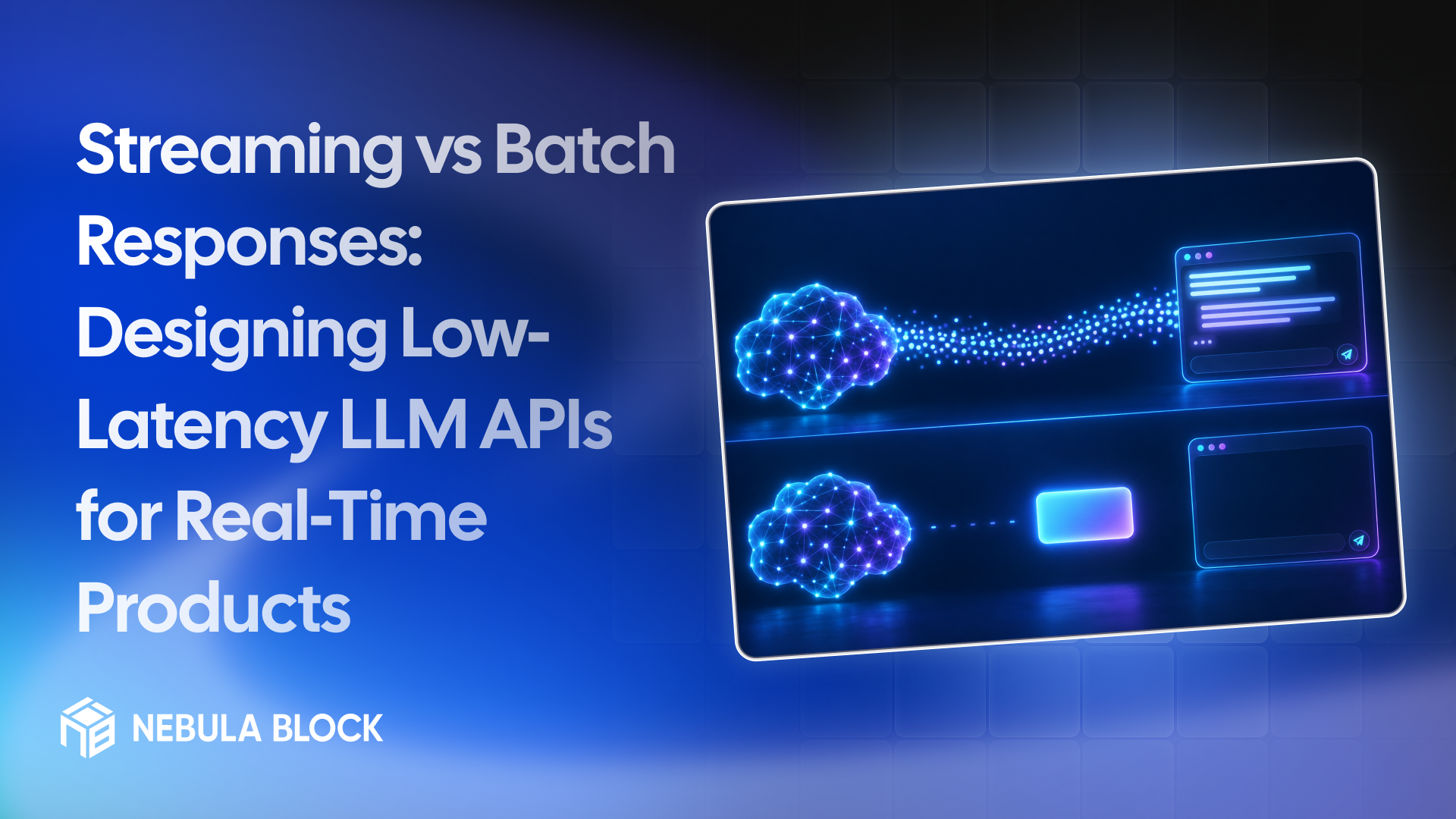
For a real-time product, the number that decides whether an AI feature feels fast is rarely the time to finish the whole answer. It's how long the user stares at a blank screen before the first word appears. Streaming changes that number. It doesn't make the model generate faster, but it lets you show tokens as they arrive.
This guide compares streaming with returning the complete response at once, shows how to measure the difference against the Nebula Block API, and covers the design choices that matter in a real-time product. Details are as of November 2026.
A quick note on terms. In this post, "batch" means a complete, non-streaming response: you send a request and get the whole answer back in one piece. It doesn't mean offline batch inference, where you queue thousands of jobs and collect results later. For that, see our guide to batch vs serverless inference.
Three numbers to separate
- Time to first token (TTFT): how long until the first piece of output arrives.
- Inter-token latency: how long between tokens after that.
- Total time: how long until the response is complete.
With a complete response, the user waits the total time. With streaming, they wait roughly the TTFT and then watch the answer appear. The total time is about the same either way, because the model produces tokens at the same pace. What changes is how that wait feels.
What the Nebula Block API does
The Chat Completions endpoint takes a stream parameter. Set it to true and you get a stream of chat.completion.chunk objects, each carrying a piece of the text in choices[0].delta.content, ending with a [DONE] marker. Leave it off and you get one chat.completion object with the full text in choices[0].message.content and a usage object with prompt and completion token counts.
One detail worth checking in your own tests: the docs show the usage object in the non-streaming response, but their streaming example doesn't include it. If you need exact token counts for streamed responses, confirm what the final chunk contains before you rely on it.
When to stream
Streaming is the right default when a person is waiting on the output:
- Chat interfaces and copilots, where seeing the answer start immediately matters.
- Long outputs, where waiting for the whole text would take many seconds.
- Voice and live-captioning products, where you can start speaking or displaying as tokens arrive.
When not to stream
A complete response is simpler and often better when nobody is watching the text form:
- Structured output for code to consume. If you need valid JSON, you usually can't parse a partial object, so you wait for the whole thing anyway.
- Short answers, such as classifications or yes/no decisions, where TTFT and total time are nearly the same.
- Pipelines that check output before showing it, such as content filters or validators that need the full text.
- Simple integrations, where one request and one response is easier to log, retry and test.
If you stream a response that you later validate, you've already shown the user text you might need to retract, so decide which matters more.
Measure both against your own prompts
Don't guess how large the difference is. Send the same prompt both ways, using the OpenAI SDK against the Nebula Block endpoint as in our API Quickstart, and record the timings:
- Streaming: send the request with
stream=True. Note when the first chunk that contains text arrives (your TTFT) and when the stream ends (the total time). - Complete response: send the same request without
stream. Note when the full response arrives (the total time). - Repeat at least ten times for each, and compare the medians and the slowest runs, not a single call.
- Repeat at different times of day, because latency can change with load.
- Use your real prompts, because prompt length affects TTFT.
A few notes on reading the result:
- A streamed chunk usually holds about one token, but that isn't guaranteed, so treat any chunk count as an approximation.
- If a model streams other kinds of output first, such as reasoning tokens before its answer, the first visible text arrives later than the first chunk. Decide which of the two you want to measure, and measure it the same way every time.
- Compare the streaming TTFT with the complete-response total. That gap is what your users feel. The two total times are usually close together, but check that on your own prompts.
What drives time to first token
- Prompt length. The model has to process the whole prompt before it produces the first token, so long prompts raise TTFT.
- Repeated prefixes. On infrastructure that supports prefix caching, putting static content first can help. Our guide to cutting inference costs explains how.
- Model choice. Larger models are generally slower to start and to stream. Match the model to the task.
- Load. Heavy traffic can queue requests before they start.
- Output cap. Setting max_tokens limits the total time and keeps costs predictable.
Design tips for real-time products
- Show progress immediately. Render tokens as they arrive, and let users stop a response they don't want.
- Plan for mid-stream failures. A stream can fail after partial output. Decide whether to retry, show what you have, or discard it.
- Handle rate limits before the stream starts. A 429 means a per-minute or daily limit was hit. Per-minute limits clear with a short backoff, while daily caps don't, so check the message. The Tiers and Rate Limits page lists the numbers.
- Don't buffer in the middle. Proxies and web servers sometimes buffer streamed responses, which hides the benefit. If you test from a terminal with cURL, use the -N flag so cURL doesn't buffer the output either.
- Log both timings. Record TTFT and total time per request, so you can see regressions and compare models.
- Keep non-streaming for machines. Use streaming for screens and complete responses for backend steps.
The bottom line
Streaming doesn't make an LLM faster. It makes the wait shorter to look at, and for a person watching a screen that's often what counts. Stream when a human is reading, return a complete response when code or a validator needs the whole answer, and measure TTFT and total time against your own prompts before you decide.
Learn more at
- Email: contact@nebulablock.com
- Website: nebulablock.com
- Docs: docs.nebulablock.com
- Book a call: nebulablock.com/contact