KV Cache Management at Scale: Why Long Contexts Break Inference Budgets
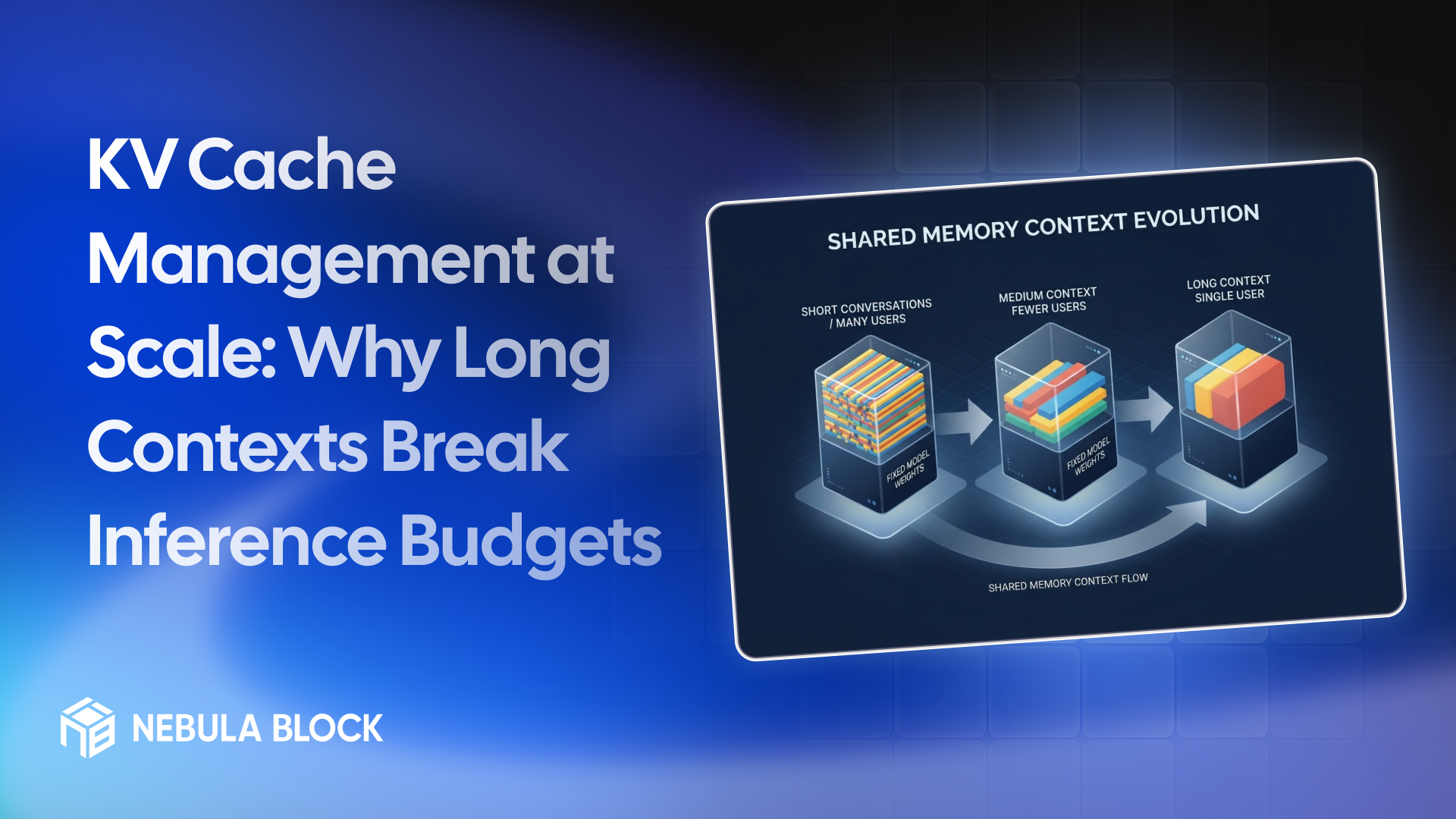
A model's context window is a feature on the spec sheet. For whoever pays for the GPUs, it's a bill. Every token in every active conversation leaves a footprint in GPU memory called the KV cache, and that footprint grows with context length and with the number of users at the same time. Once memory is the limit, doubling the context roughly halves how many users one GPU can serve.
This guide explains what the KV cache is, how big it gets for real models, how it limits concurrency on current GPUs, and what you can do about it. The figures come from published model configurations and the formulas in our VRAM guide, not from benchmarks, so treat them as planning estimates. Details are as of November 2026.
What the KV cache is
When a model generates text, each new token attends to all the tokens before it. To avoid recomputing the attention keys and values for the whole history at every step, the engine stores them. That stored history is the KV cache, and it lives in GPU memory next to the model weights.
The weights are a fixed cost. The cache is a variable one: it's allocated per request, it grows as the conversation grows, and it's released when the request ends. A 2023 paper on vLLM's PagedAttention put it this way: the memory for each request is huge, and it grows and shrinks dynamically. The same paper reported that in the older serving systems it studied, only about 20% to 38% of KV cache memory held actual token states, with the rest reserved but unused or lost to fragmentation. Modern engines manage this much better, but the underlying growth is the same.
How big it gets
The size per token comes from the model's configuration:
KV cache per token = 2 × layers × KV heads × head dimension × bytes per value
The leading 2 counts one key and one value. Using the published configurations of two Llama models at 16-bit precision:
| Model | Layers | KV heads | Head dim | Per token | 8K tokens | 32K tokens | 128K tokens |
|---|---|---|---|---|---|---|---|
| Llama 3.1 8B | 32 | 8 | 128 | 0.13 MB | 1.1 GB | 4.3 GB | 17.2 GB |
| Llama 3.3 70B | 80 | 8 | 128 | 0.33 MB | 2.7 GB | 10.7 GB | 42.9 GB |
These are per conversation. One 128K-token session on the 70B model holds about 43 GB of cache at 16-bit, more than half the memory of an 80 GB GPU, before counting the weights.
Two design choices keep these numbers from being far worse. Both Llama models use grouped-query attention, with 8 KV heads rather than one per attention head. For the 70B model, which has 64 attention heads, a version with a full set of KV heads would need eight times as much cache, roughly 344 GB for one 128K session. And some newer models compress the cache further, using techniques like multi-head latent attention or sliding-window attention, so always read the configuration of the model you plan to serve.
Context lengths vary widely across models. Nebula Block's model catalog lists 38K for Llama 3.3 70B, 160K for DeepSeek-V3.2 and 256K for Qwen3.6-35B-A3B, for example. A model can accept a long context, but whether you can afford to serve it at that length is a separate question.
How it limits concurrency
Here is the effect on real hardware. Take a 70B model with FP8 weights (about 70 GB), plan for about 15% overhead, and assume you use 90% of each card's memory. The table shows how many conversations fit at once if every one of them is at the full context length shown, first with a 16-bit cache and then, after the arrow, with an FP8 cache. Memory sizes for the H200, B200 and B300 come from NVIDIA's HGX documentation.
| GPU setup | 8K context | 32K context | 128K context |
|---|---|---|---|
| 2 × H100 (80 GB each) | 20 → 41 | 5 → 10 | 1 → 2 |
| 1 × H200 (141 GB) | 15 → 30 | 3 → 7 | 0 → 1 |
| 1 × B200 (180 GB) | 26 → 52 | 6 → 13 | 1 → 3 |
| 1 × B300 (288 GB) | 57 → 115 | 14 → 28 | 3 → 7 |
Read it down a column and then across a row. Going from 8K to 32K to 128K context cuts concurrency from 20 to 5 to 1 on two H100s. The 128K case doesn't fit even once on a single H200 with a 16-bit cache. This is the mechanism behind a surprise bill: nothing about the model changed, but the traffic's context length did.
These are idealized upper bounds. They ignore compute limits, activation memory spikes and the way engines allocate cache in blocks, so real numbers will be lower. Use them to size and compare, then measure.
What it does to cost
Memory-limited concurrency turns directly into cost per user. Using Nebula Block's sample price of $2.632 per hour for one H100 PCIe VM in Canada (from the API docs, a sample, not a quote), a two-GPU setup at twice that rate costs $5.264 per hour (an assumption, since a two-GPU configuration may be priced differently). Divide that by the number of conversations that fit:
| Context length | Concurrent conversations (16-bit cache) | GPU cost per concurrent conversation, per hour |
|---|---|---|
| 8K | 20 | about $0.26 |
| 32K | 5 | about $1.05 |
| 128K | 1 | about $5.26 |
With an FP8 cache the counts roughly double, so the cost per conversation roughly halves. The point isn't the exact figures. It's that context length, not model size, can be the largest lever on your cost per user.
How to manage it
1. Budget for your real context distribution. Plan around the long tail, not the average. A few 128K requests can crowd out dozens of short ones.
2. Cap context where you can. Set a maximum context length that matches your product. Limiting it to what you actually need frees memory for more concurrent users. In vLLM that's the --max-model-len option, and flag names can change between versions.
3. Quantize the KV cache. vLLM supports an FP8 quantized KV cache. Its docs describe it as allowing approximately double the space for cache, which is what the arrows in the table above show, and as a throughput gain rather than a latency gain. Test the quality impact on your own prompts.
4. Share what's shared. Prefix caching lets requests with a common beginning reuse the same cache blocks, which helps when many requests start with the same long system prompt or documents. See automatic prefix caching and our guide to cutting inference costs.
5. Let the engine manage memory in blocks. PagedAttention, the approach behind vLLM, stores each request's cache in fixed-size blocks that don't have to be contiguous, which cuts the fragmentation waste described above. Use an engine that does this rather than reserving worst-case memory per request.
6. Route long and short requests separately. If a small share of traffic carries very long contexts, sending it to a pool sized for it can protect the latency of everything else.
7. Pick the GPU for memory, not only speed. More memory per GPU means more cache headroom and fewer GPUs per replica. Our B200 vs H100 guide compares the options, and the table above shows how much the extra capacity of an H200, B200 or B300 buys you.
What to monitor
When the cache fills up, a serving engine has to preempt requests, and throughput drops. vLLM exposes Prometheus metrics at /metrics on its OpenAI-compatible server, including KV cache usage, requests waiting and preemptions. Metric names change between versions, so check the docs for yours. Watch cache usage together with queue length. In a memory-bound deployment, the cache usually runs out before the GPU's compute does.
The bottom line
The KV cache turns context length into a cost you pay per concurrent user. A model that handles 128K tokens on a spec sheet may serve one conversation on a setup that handles twenty at 8K. Know the cache size per token for your model, budget for your long contexts, and use the levers above to bring the cost down before you scale the hardware.
Learn more at
- Email: contact@nebulablock.com
- Website: nebulablock.com
- Docs: docs.nebulablock.com
- Book a call: nebulablock.com/contact