Shadow AI in the Enterprise: How to Detect and Secure Rogue LLM API Calls
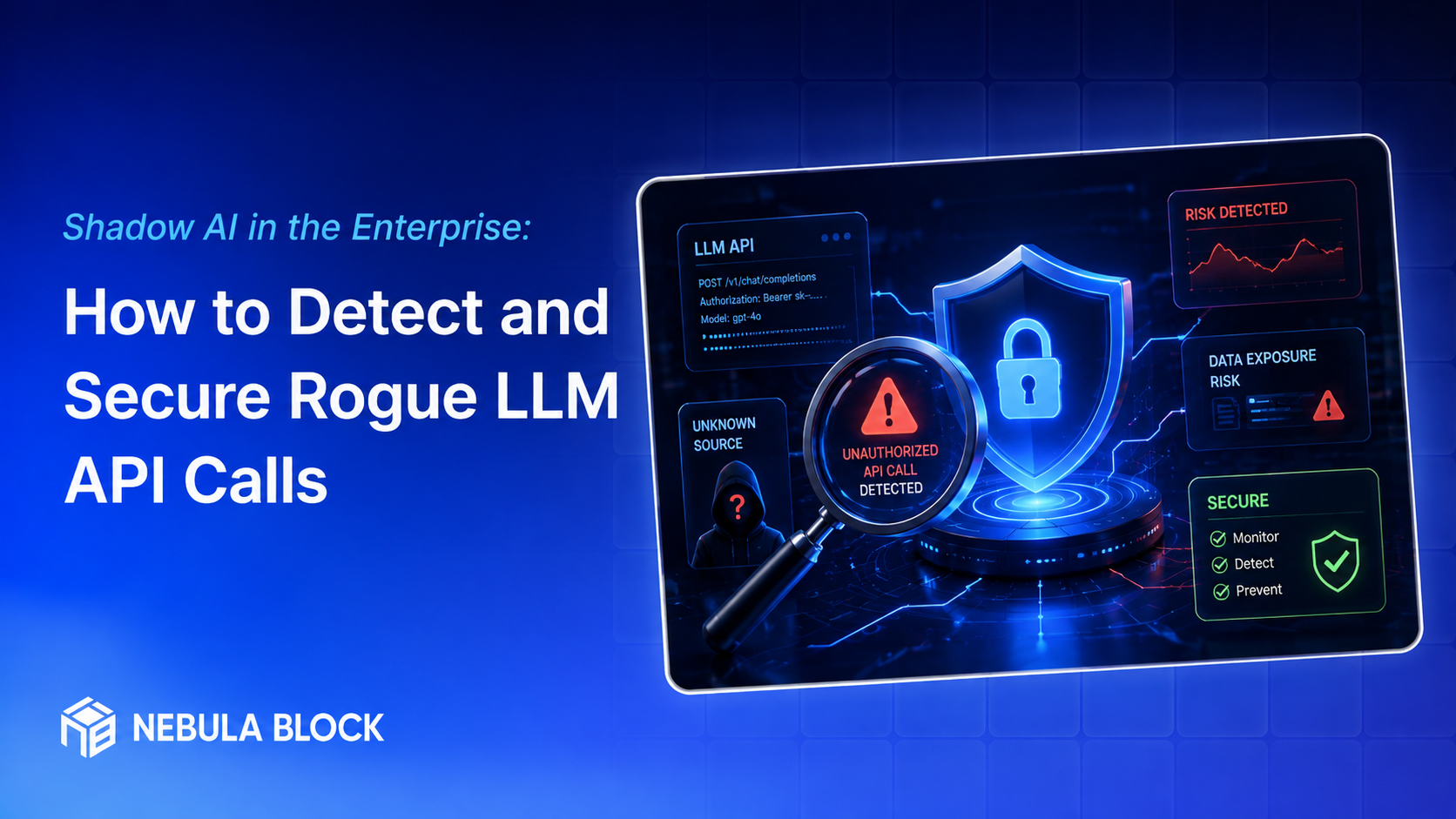
Shadow IT used to mean an employee spinning up an unsanctioned Dropbox account or plugging a personal laptop into the corporate network. Today, the fastest-growing version of that problem has a new name: Shadow AI. It's the unsanctioned use of large language models, AI copilots, and third-party API integrations — often with a personal API key, a browser extension, or a no-code automation tool — happening entirely outside the visibility of IT and security teams.
The risk isn't hypothetical. Every prompt sent to an external LLM API is, functionally, an outbound data transfer to a third party whose data handling, retention, and training policies your security team never reviewed. When that prompt includes customer records, source code, financial projections, or M&A details, you have an uncontrolled data exfiltration channel that looks, on the wire, like ordinary HTTPS traffic.
This post covers why shadow AI has exploded, how to detect it across your network and endpoints, and how to build a governance program that secures it without simply banning AI tools outright (which, as most CISOs have learned, doesn't work).
Why Shadow AI Is Everywhere
A few forces converged to make this problem bigger and harder than earlier shadow IT waves:
1. The barrier to entry is a single API key. Getting access to a frontier model requires no procurement process, no IT ticket, and no budget approval — just a personal credit card and five minutes. A developer can embed an OpenAI, Anthropic, or Google API key directly into a script or internal tool without anyone else in the org knowing it exists.
2. AI is being embedded inside tools people already use. Browser extensions, Notion AI, Zoom AI Companion, GitHub Copilot, Grammarly, Slack apps, and dozens of low-code platforms now have LLM features bolted on by default. Employees don't perceive themselves as "using an external AI vendor" — they're just using their existing tools with a new button.
3. Productivity pressure outweighs policy awareness. Employees under deadline pressure will paste a contract into ChatGPT to summarize it, or ask Claude to debug proprietary code, without stopping to think about where that data goes. Most aren't acting maliciously — they simply don't know (or don't think about) the data governance implications.
4. Traditional DLP and CASB tools weren't built for this. Legacy data-loss-prevention tools look for known SaaS domains and structured data patterns (credit card numbers, SSNs). They're poorly suited to catching a well-crafted prompt containing sensitive context in freeform natural language, sent over an encrypted API call to a domain that isn't yet on any blocklist.
What Shadow AI Actually Looks Like
Shadow AI usage tends to fall into a few recognizable patterns:
- Personal accounts on sanctioned tools — an employee uses their personal ChatGPT Plus account instead of the company's enterprise ChatGPT tenant, because it's already logged in on their laptop.
- Direct API integration in internal tools — an engineer wires a raw API key into an internal script, dashboard, or Slack bot, bypassing any enterprise contract, audit logging, or data processing agreement.
- Third-party SaaS with embedded AI — a marketing team adopts a content tool that silently routes copy through an LLM API on the backend, with no visibility into what's actually sent or retained.
- Browser extensions and copilots — extensions that summarize pages, rewrite emails, or auto-fill forms, often with broad permissions to read page content, including internal web apps.
- No-code/low-code automation — tools like Zapier or Make chaining LLM API calls into workflows that touch CRM, HR, or finance data.
Detecting Rogue LLM API Calls
Detection needs to happen at multiple layers, since no single control catches everything.
1. Network and DNS-level monitoring
Most LLM API traffic goes to a known, finite set of provider domains and endpoints (e.g., api.openai.com, api.anthropic.com, generativelanguage.googleapis.com, api.cohere.ai, various inference endpoints on AWS Bedrock, Azure OpenAI, and Hugging Face). Security teams should:
- Maintain and continuously update a watchlist of known LLM API domains and IP ranges.
- Use a secure web gateway (SWG) or firewall with TLS inspection to log — not necessarily block — traffic to these domains.
- Flag DNS queries to LLM provider domains from hosts or service accounts that aren't part of an approved AI integration.
- Pay attention to new or unusual model-hosting domains (many smaller inference providers spin up quickly and aren't yet categorized by commercial threat-intel feeds).
2. CASB and SSPM tooling
Cloud access security brokers (CASBs) and SaaS security posture management (SSPM) tools can identify:
- Logins to known AI SaaS platforms using non-corporate identities.
- OAuth grants where a third-party AI app has been given access to corporate Google Workspace, Microsoft 365, or Slack data — a very common and often overlooked shadow AI vector.
- Newly registered SaaS apps in your identity provider (Okta, Entra ID) that weren't provisioned through IT.
3. Endpoint and browser telemetry
EDR platforms and browser management tools (Chrome Enterprise, Microsoft Edge for Business) can surface:
- Unauthorized browser extensions with AI functionality and broad content-access permissions.
- Locally installed AI coding assistants or CLI tools that weren't pushed through your software management platform.
- API keys embedded in scripts or environment variables on developer laptops — discoverable via periodic endpoint scans or secrets-scanning agents.
4. Code and repository scanning
Shadow AI often shows up first in source code:
- Run secrets-scanning tools (e.g., GitGuardian, TruffleHog, or native GitHub/GitLab secret scanning) across repositories to catch hardcoded API keys for LLM providers.
- Scan for common SDK imports (openai, anthropic, google.generativeai, cohere) in commits, especially in branches or repos with no associated architecture review.
- Flag any dependency additions for AI SDKs in pull requests as a trigger for a lightweight security review.
5. Cloud egress and API gateway analysis
For organizations with mature cloud security posture:
- Analyze egress logs from cloud VPCs for outbound calls to known inference endpoints from workloads that aren't part of an approved AI service.
- If you operate an internal API gateway or service mesh, add LLM provider domains to your egress allowlist policy so any call has to be explicitly approved.
- Use cloud-native tools (AWS VPC Flow Logs + GuardDuty, Azure NSG Flow Logs + Defender for Cloud) to alert on new egress patterns matching AI provider IP ranges.
Building a Governance Program (Not Just a Ban)
Blocking every AI domain at the firewall is the instinctive first move for many security teams — and it typically fails within weeks, because employees switch to personal devices, mobile hotspots, or find workarounds. A sustainable program balances control with enablement.
1. Provide a sanctioned, secure alternative first. The single most effective way to reduce shadow AI is to give employees a fast, well-supported, enterprise-grade AI tool with proper data protections (no training on inputs, audit logging, SSO, admin visibility) before clamping down on unsanctioned use. If the sanctioned tool is worse than the shadow option, policy alone won't win.
2. Classify data sensitivity and define clear rules. Publish concrete guidance: what categories of data (customer PII, source code, financials, legal documents, health data) can and cannot be pasted into which tools. Vague "be careful with AI" policies don't give employees anything actionable.
3. Establish an AI approval and inventory process. Create a lightweight intake process for teams that want to adopt a new AI tool or API integration — lightweight enough that people actually use it instead of routing around it. Maintain a living inventory of every approved AI vendor, integration, and API key issued.
4. Enforce API key hygiene. Require that any LLM API key used for business purposes be issued through a central secrets manager (Vault, AWS Secrets Manager, Azure Key Vault) rather than generated ad hoc by individuals, with usage tied to a named, audited service identity.
5. Extend DLP to cover prompt content. Where possible, deploy AI-aware DLP or a prompt-inspection proxy that can flag or redact sensitive data patterns (customer identifiers, internal project codenames, source code fragments) before they leave the network toward an LLM API, not just structured data patterns.
6. Train continuously, not once. Shadow AI adoption is driven by convenience, not malice. Regular, specific training — with real examples of what happened when a competitor's data leaked via an AI tool — is more effective than an annual compliance module.
7. Monitor vendor changes. AI vendors' data retention and training policies change. Build a recurring review cycle (quarterly is reasonable) to reassess whether approved vendors still meet your data handling requirements.
The Bottom Line
Shadow AI isn't a passing trend — it's the default behavior of a workforce that has decided AI tools make them faster, with or without permission. Treating it purely as a network security problem to be blocked will lose. Treating it purely as a policy problem to be written down will also lose.
The organizations getting this right are doing three things simultaneously: building real visibility into where LLM API calls are actually going, giving employees a sanctioned path that's good enough that they don't need to go around it, and governing data flow at the prompt level, not just the network level. Shadow AI is best thought of as a symptom — the underlying disease is unmet demand for AI capability that IT hasn't caught up to yet.
Learn more at
- Email: contact@nebulablock.com
- Website: nebulablock.com
- Docs: docs.nebulablock.com
- Book a call: nebulablock.com/contact