Cold Storage to Context Window: Optimizing Data Pipelines for Sub-Second Agent Latency
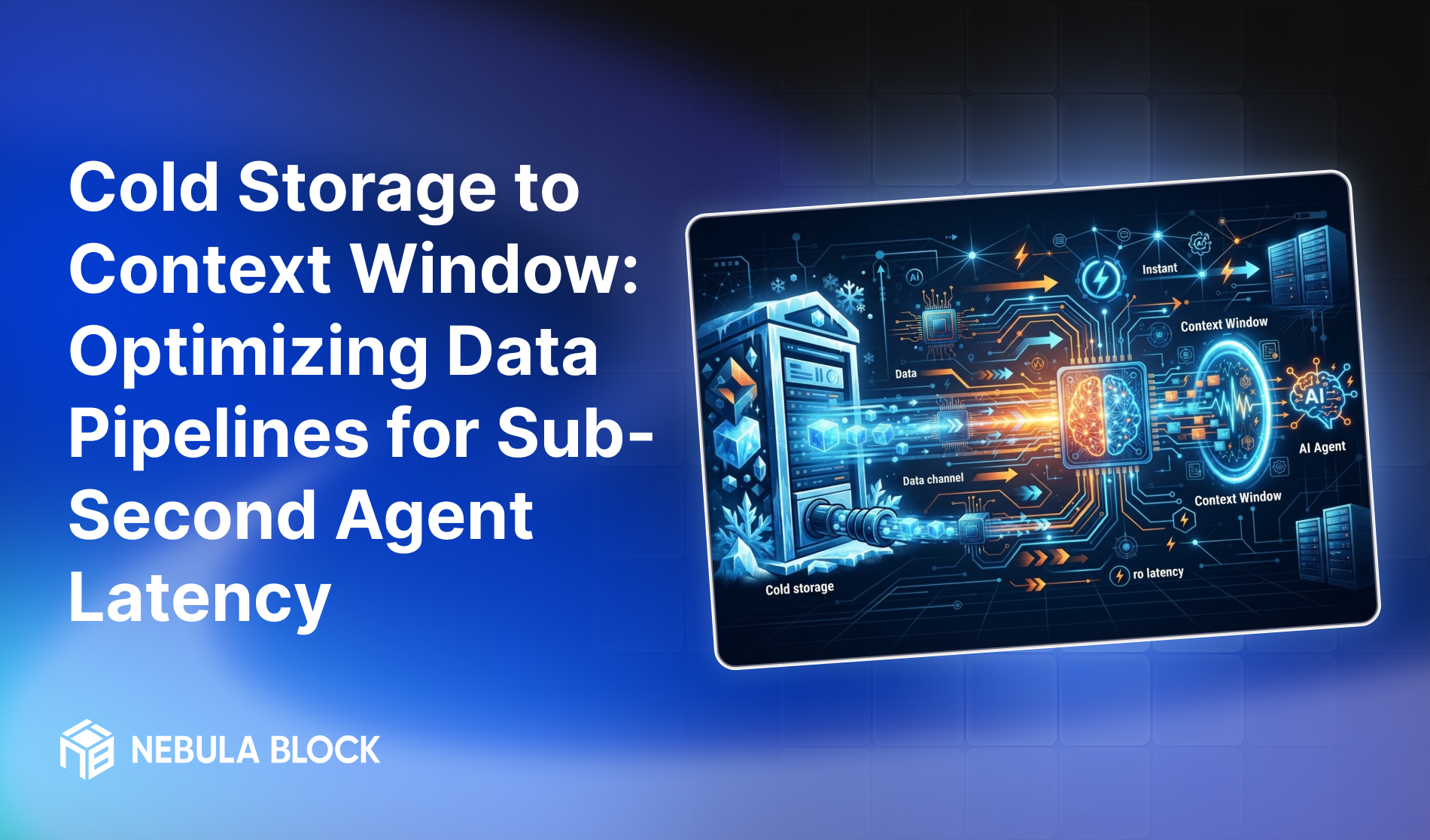
For autonomous AI agents to operate effectively in real-time environments, total system latency must stay under one second. Past that threshold, an agent stops feeling like a live collaborator and starts feeling like a support ticket queue.
The counterintuitive part: the bottleneck is rarely the model's generation speed. It's the delay incurred before generation even starts — fetching unstructured data from cold storage (S3, data lakes, relational databases) and getting it into the LLM's context window in a usable form. A model that generates tokens in 200ms is still a slow agent if it spends 900ms waiting on a fetch, chunk, embed, and rerank pipeline before it can write the first token.
Why Cold Storage Is the Hidden Latency Tax
Most agent architectures are built around the assumption that retrieval is fast because the query is simple. In practice, a single agent turn often triggers a chain of blocking operations: pull raw objects from cold storage, chunk them, embed the chunks, run a vector search, rerank candidates, and only then assemble a prompt. Each step is individually reasonable — tens to hundreds of milliseconds — but they're rarely designed to run in parallel, and they compound.
This is invisible in a demo, where a single query against a small, already-warm index feels instant. It becomes very visible in production, where context lives across terabytes of cold, unstructured enterprise data, and every agent step needs a fresh, relevant slice of it. At that point, the pipeline — not the model — determines whether the agent feels real-time.
The Sub-Second Pipeline Architecture
Nebula OS addresses this by reshaping data movement into a multi-tier caching and streaming architecture, rather than treating retrieval as a single flat lookup:
[Cold Storage] (S3, Azure Blob, Relational DBs)
      │
      ▼  Async ETL & Vector Ingestion
[Warm Tier] (Distributed Vector DB + Graph Store)
      │
      ▼  Pre-fetched & Memory-Mapped
[Hot Tier] (In-Memory Semantic Cache / Redis NVMe)
      │
      ▼  Zero-Copy Streaming
[LLM Context Window]
Each tier exists to remove a specific class of latency from the critical path:
- Active semantic caching stores frequent prompt-context pairs in high-speed RAM/NVMe layers rather than re-deriving them on every call. Because a large share of agent queries within a workflow are semantically similar — the same customer account, the same document set, the same recurring task — cache hits resolve in under 5ms, turning what would be a full retrieval cycle into a memory lookup.
- Speculative pre-fetching takes advantage of a property that's specific to agents rather than human users: agent workflows are structured and largely predictable. If a support agent just pulled a customer's account record, the next likely step is pulling their recent tickets. Nebula OS predicts that next logical step from the active workflow state and pre-loads the relevant context from cold storage into the warm tier before the query is actually fired — so by the time it's needed, it's already in memory rather than in flight.
- Zero-copy context streaming removes a cost most architectures don't even measure: serialization overhead. Passing data between storage engines and inference memory as JSON means repeatedly encoding and decoding the same bytes. Using Apache Arrow and gRPC to pass data directly between the storage layer and inference memory eliminates that round-trip, which matters disproportionately once context windows get large.
Latency Benchmark Comparison
The compounding effect of an unoptimized pipeline versus a tiered one shows up clearly once you break down where time actually goes:
Traditional pipeline (cold path, uncached):
| Stage | Latency |
|---|---|
| S3 fetch | ~300ms |
| Chunk & embed | ~150ms |
| Vector search | ~100ms |
| LLM prefill | ~400ms |
| Total (excluding token generation) | ~950ms–1.5s |
Nebula OS optimized pipeline:
| Stage | Latency |
|---|---|
| Active cache hit | ~5ms |
| Speculative fetch (when cache misses) | ~30ms |
| Parallel rerank | ~40ms |
| Total context preparation time | < 80ms |
The gap isn't from making any single stage marginally faster — it's from removing entire stages from the synchronous request path. A traditional pipeline pays the full fetch-chunk-embed-search cost on every call. A tiered pipeline pays that cost once, asynchronously, ahead of time, and serves the agent from memory.
Why This Matters Beyond the Benchmark
Sub-second context preparation isn't just a performance number — it changes what kinds of agents are viable in production. A trading desk agent that needs to reason over live position data, a customer support agent handling a multi-turn ticket, or a monitoring agent triaging an incident all depend on the same thing: getting the right context in front of the model fast enough that "real-time" is actually true, not just aspirational.
It also changes the cost profile. Every millisecond spent blocked on retrieval is GPU time paid for and wasted waiting rather than generating. At scale, a pipeline that removes 900ms of dead time per agent turn isn't just a latency win — it's a meaningful reduction in the compute cost of running agents in production.
Getting Started
Teams evaluating this architecture for their own agent stack should start by instrumenting their current pipeline the same way this benchmark does: measure fetch, chunk/embed, search, and prefill as separate stages rather than one aggregate "response time." In most cases, that breakdown alone reveals where the pipeline is losing time — before any infrastructure changes are made.
Nebula OS's tiered caching and speculative pre-fetching layer can be deployed alongside existing vector stores and data lakes, so teams don't need to re-architect their storage layer to adopt the hot/warm/cold model — only the retrieval path in front of it.
Want to see how Nebula OS's context pipeline performs against your own agent workloads? Book a call with our team or explore the documentation to get started.
Learn more at
- Email: contact@nebulablock.com
- Website: nebulablock.com
- Docs: docs.nebulablock.com
- Book a call: nebulablock.com/contact